Webflow Framework
Built for Scale

The naming simplicity of Client-First. The fluid, variable-driven power of Lumos. System.EXE is the ultimate design-to-development system for high-volume Webflow studios.
Webflow Development Evolved. The old Frameworks Didn’t
We built hundreds of Webflow projects using the industry’s most popular frameworks. But as our studio scaled, we hit a wall.
Utility-heavy frameworks created "div-ception", forcing us to build endless spacing wrappers that cluttered the DOM. Attribute-heavy frameworks required our designers to basically learn how to code just to name a Figma layer. We were spending more time managing the framework than actually building the website. So, we engineered a way out.
We were spending more time managing the framework than actually building the website. So, we engineered a way out.

Class Soup
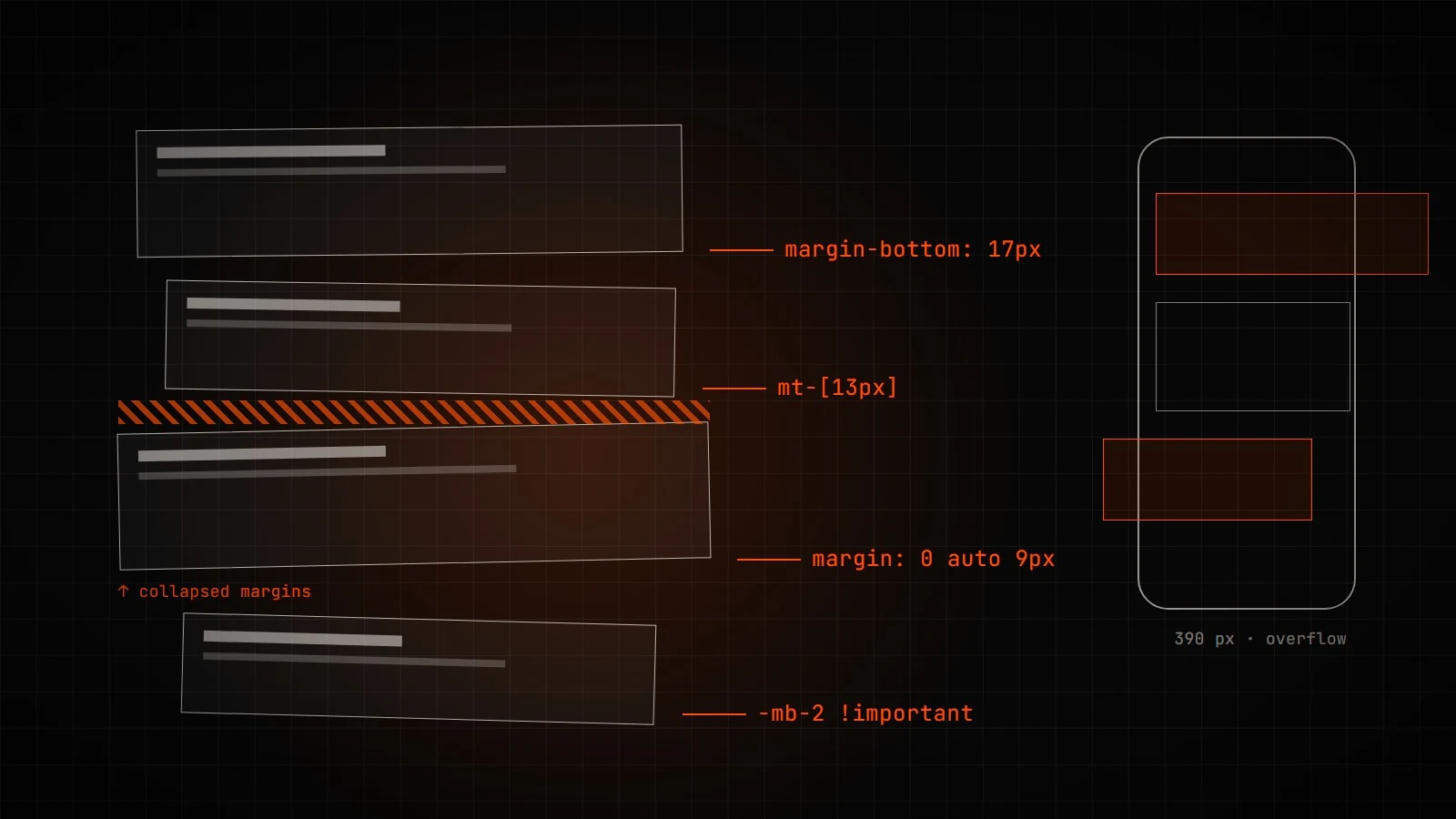
Margin Chaos
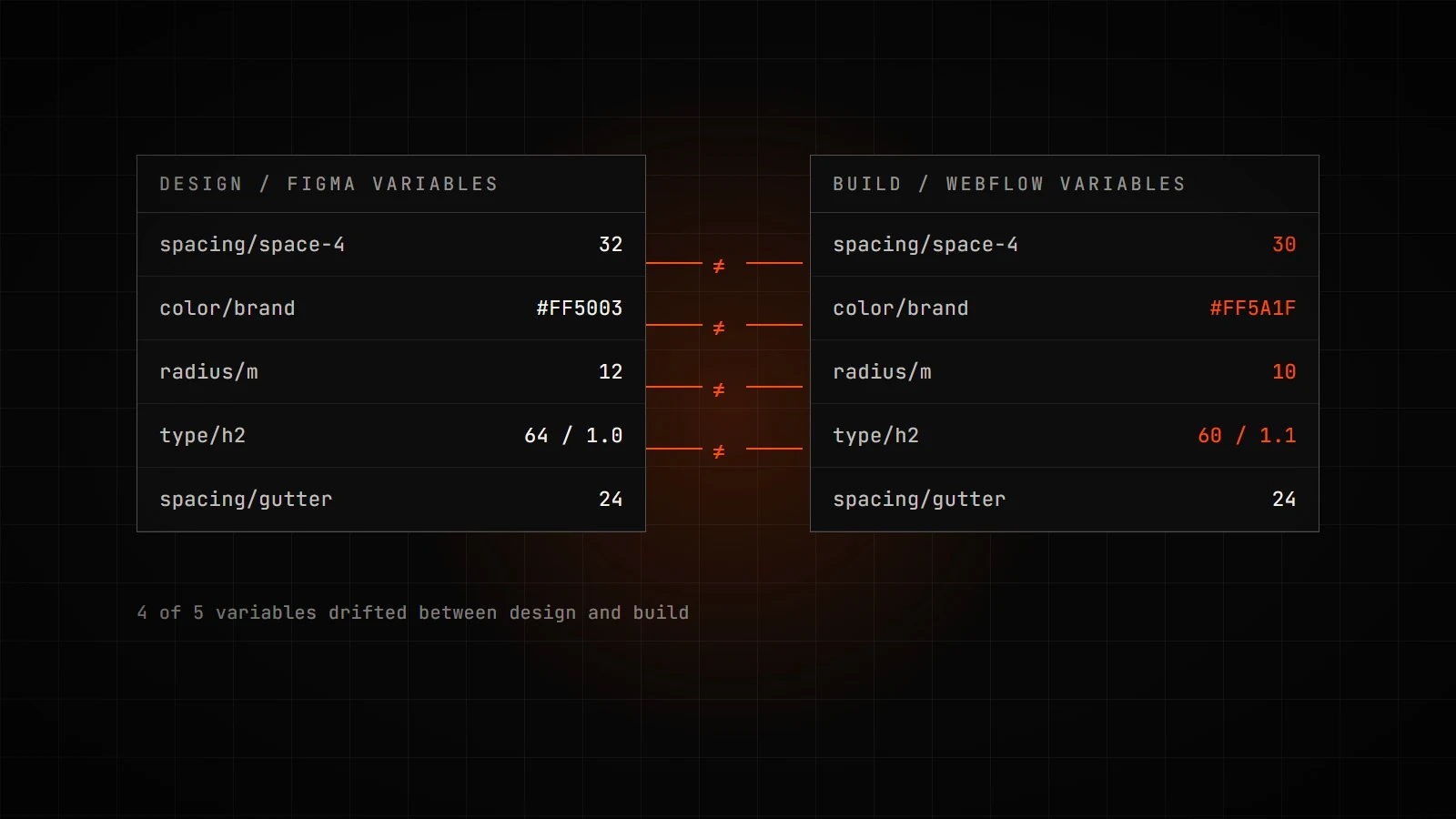
Broken Handoffs
Stacking 6 utility classes just to center a div and add padding? It's unreadable, impossible to hand off, and makes every future developer want to start from scratch.
Relying on margins for spacing leads to collapsing margins, complex overrides, and broken mobile layouts. One spacing change breaks three other things.
When Figma variables don't perfectly match Webflow variables, developers have to guess. And when developers guess, the design director cries.
speed, scale, and sanity.


How System.EXE
stacks up
Feature / Logic | Legacy Systems (CF) | Technical Systems (Lumos) | ExeEyes Framework |
|---|---|---|---|
| Design token architecture | None, flat utility classes | Primitive + semantic layer, but components sometimes bypass semantic and reference primitives directly | Strict primitive → semantic, applied directly to components |
| Neutral color palette | No defined primitive scale | Split into two scales, light-100, light-200, and dark-800→900 | Single unified scale, neutral-50→950 |
| Typography scale | Manual per-breakpoint overrides | Fluid math via CSS variables | Fluid Musical intervals, perfect fourth for desktop, major second for mobile |
| Heading vs. size coupling | Coupled | Coupled | Decoupled, H2 can be 5xl or 6xl |
| Class name length | Heavy, .padding-top.padding-1 | Verbose, .u-padding-top-1 | Short, .u-pt-1 |
| Code injection | Site settings + page settings + embeds | Page Function, any code, exact placement | Page Function, any code, exact placement |
| Primary Spacing Logic | Margin-based & Spacing Wrappers | Gap-based (Grid/Flex) & margin-based | Gap-based (Grid/Flex) Gap-based (Grid/Flex) & margin-based |
| Class Naming Approach | Unconstrained with no enforced structure | Custom, utility, and combo classes | Custom, utility, and combo classes |
| Learning Curve | Low (Basic building pattern) | Moderate (Introduction to variables system) | Steep (Systemized variable system via collections and modes) |
| SEO and accessibility | Minimal | Built-in aria with screen reader only support | Built-in aria with screen reader only support |
| Responsive Approach | Fixed Breakpoint Overrides | Fluid Math & CSS Variables | Fluid Math & CSS Variables |
| Best Used For | Standard simple sites | Sites meant to scale, grid based web designs | Conventional and unconventional web designs |
Finally, a framework
designers and
developers agree on.
Design with mathematical confidence
Your Figma Auto-Layout gaps mirror Webflow space variables. Your local variables map perfectly to Webflow's theme collections. No more guessing how your design will translate to the browser.
Build without the friction
No more staring at a blank canvas wondering what to name a div. Use our pre-built Global / components, drop in your custom variables, and execute complex fluid grids with a single u-grid-custom utility class.
Everything you need to deploy today.
A masterclass in modern Webflow development. Text, examples, and video breakdowns
Pre-loaded with ExeEyes auto-layout rules, spacing tokens, and the 3-tier color system.
Stop starting from scratch. Pre-loaded with custom code embeds, fluid styling, and boilerplate grids.
Ready to upgrade your agency's workflow?
Join the developers who are building faster, cleaner, and more scalable websites. Learn the ExeEyes framework today.
CONNECT WITH A STRATEGIST
Yousuf Zakhel
Tell us what you’re planning

"We take on a few projects at a time, so each one gets the whole team. Tell us what you're planning."